

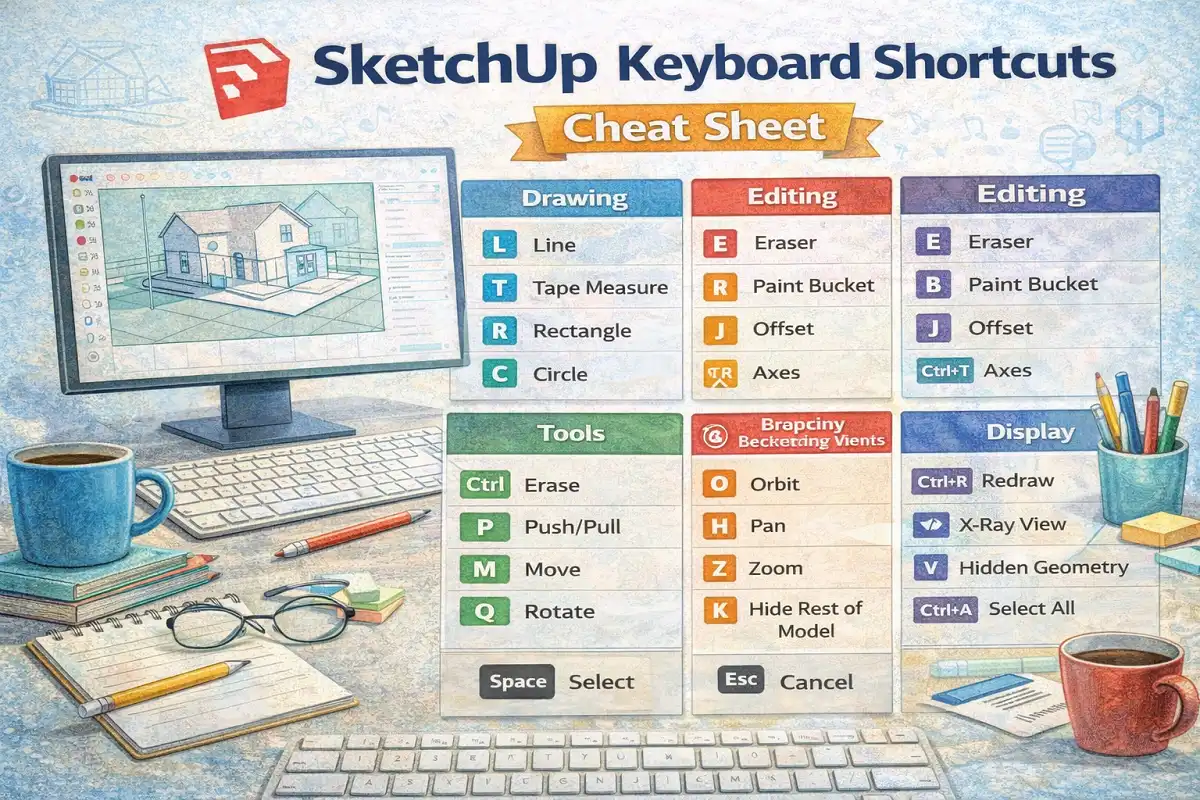
This SketchUp Keyboard Shortcuts Cheat Sheet provides a quick reference for important SketchUp shortcuts including Move, Push/Pull, Line, Rectangle, Scale, Zoom, and navigation shortcuts used in 3D modeling and design workflows.
This SketchUp Keyboard Shortcuts Cheat Sheet helps designers and beginners quickly learn the most useful shortcuts in SketchUp. The SketchUp keyboard shortcuts cheat sheet includes shortcuts for tools such as Move (M), Push/Pull (U), Line (L), Rectangle (R), Circle (C), Scale (S), and Offset (O). It also shows navigation shortcuts like Orbit, Zoom, Pan, and display settings used in SketchUp modeling.
Using this SketchUp Keyboard Shortcuts Cheat Sheet, users can speed up their workflow and improve efficiency while working on 3D models. This guide is useful for architects, designers, and students who want a quick reference for SketchUp tools and commands.
#SketchUp#3DModeling#SketchUpShortcuts#DesignTools#ArchitectureDesign#SketchUpTips